
Run without your phone
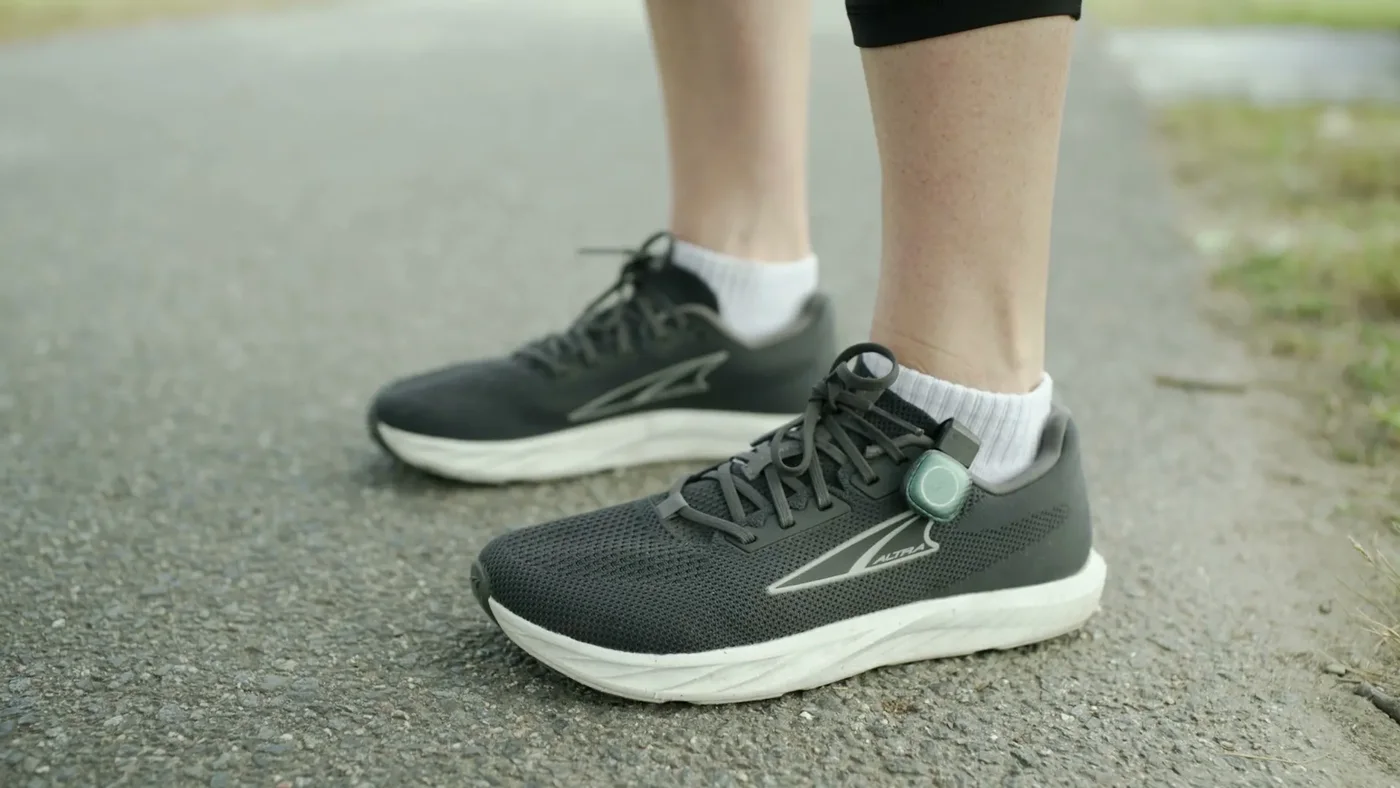
Put the shoes on and run. The pods record your strides, and the app builds the run when they sync.
Updated Oct 2026Put the shoes on and run
Don't tap GO. The pods store your running strides on their own.
Open the STRIV app when you're back
Keep the phone near both shoes so it can reach both pods.
Tap SYNC
Open the insole badge (INSOLES), wait until both feet are connected, then tap SYNC at the top right. Home may also show Pod run data is ready.
Your run appears in the app
One sync can create several runs, split wherever you stopped running for more than 10 minutes.
Sync before anything else
- A pod restart (a flat battery or a firmware update) erases strides that haven't synced.
- Starting a live run with GO while the pods still hold data erases it too. The app warns you first: Start without syncing?
- Phone-free runs have no GPS route, live coaching or live pressure detail. Distance comes from the insoles.
- There is no heart rate unless it comes from another device.
- The pods store running strides only, not walking.
- Each pod holds roughly a few hours of running. When it is full, the oldest strides are overwritten.
- The app can also sync in the background when both pods are connected and no run is in progress.
Why don't I see SYNC?
SYNC appears once the pods hold at least 500 running strides and both feet are connected.
My sync stopped halfway. Is the run lost?
No. If you see Lost connection to insole — tap to resync, the data stays on the pods for the next try.
Why is a short run missing?
Very short segments, under about 500 running steps, are dropped.
Does it record walking?
No. The pods store running strides only.

Still stuck? Message us